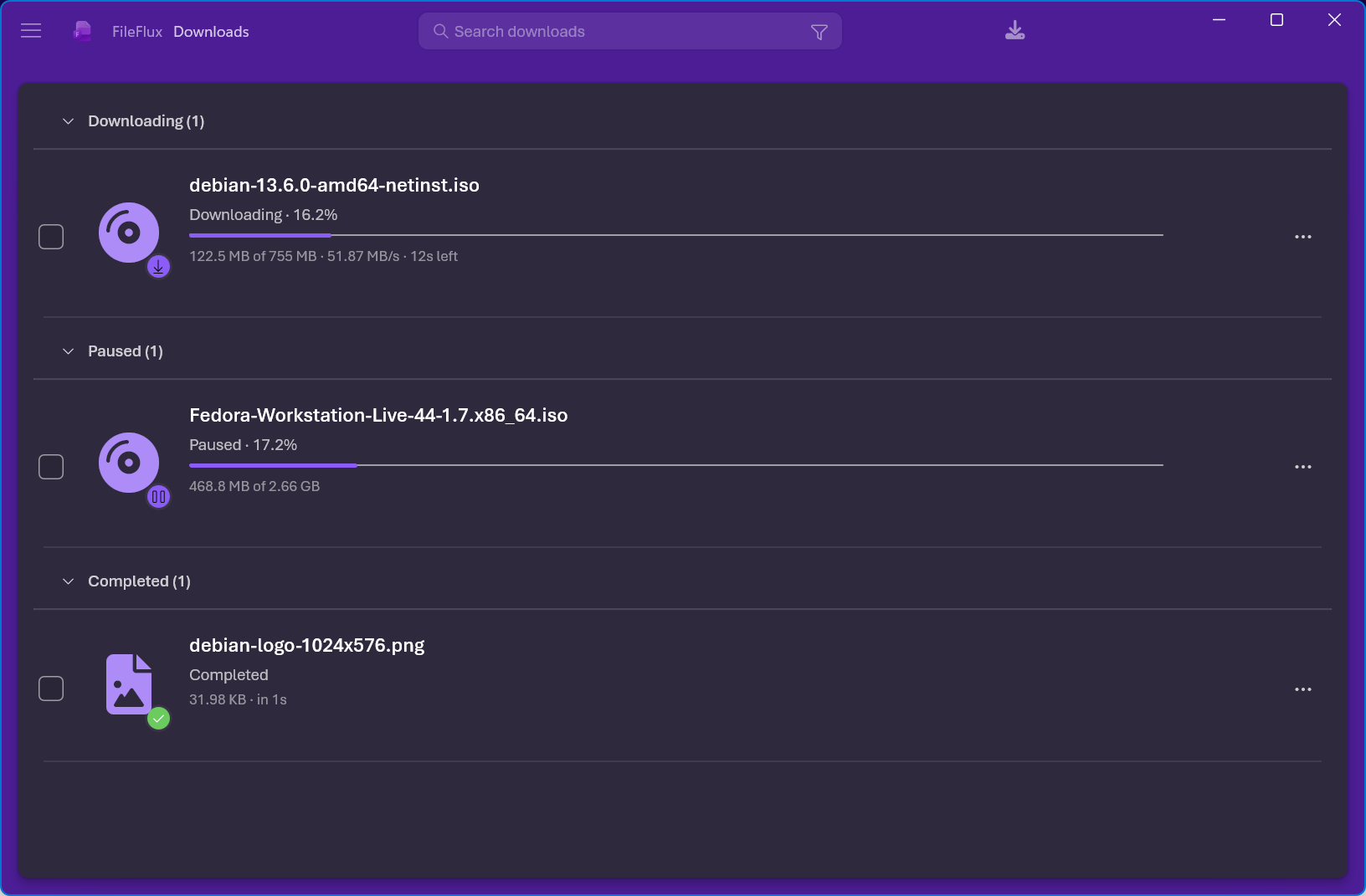
Built for people who download a lot
Everything in one window, and nothing phoning home.
Accelerated downloads
Large files are split across multiple parallel connections, with an adaptive controller that adds connections only while they measurably raise speed.
Pause, resume & queue
Interrupted downloads pick up exactly where they stopped. Set how many run at once, cap bandwidth overall or per download, and give any file priority.
Saved views
Name the filter, search, sort and layout you are using and return to it from the rail. Torrents, Videos and Failed are there from the start, and saving while inside a view updates it in place.
Built-in BitTorrent
Open magnet links and .torrent files directly — per-file priorities, trackers and peers, sequential download for streamable media. No separate client.
Browser integration
An extension for Chrome, Edge and Firefox hands downloads to FileFlux, adds a “Download with FileFlux” right-click item, and can grab every link on a page.
Optional AI, your own key
Link triage, auto-tagging, smart rename, summaries and failure diagnosis — powered by Claude, an OpenAI-compatible endpoint, Gemini or a local Ollama. Off until you enable it.
Yours to arrange
Twelve window themes, light or dark independently, your choice of interface font, and customizable toolbar and per-row actions.
Reachable by keyboard
The navigation rail and its views are reachable by keyboard and announce themselves to a screen reader — named buttons, not anonymous groups. Setup keeps focus inside it rather than letting Tab wander.
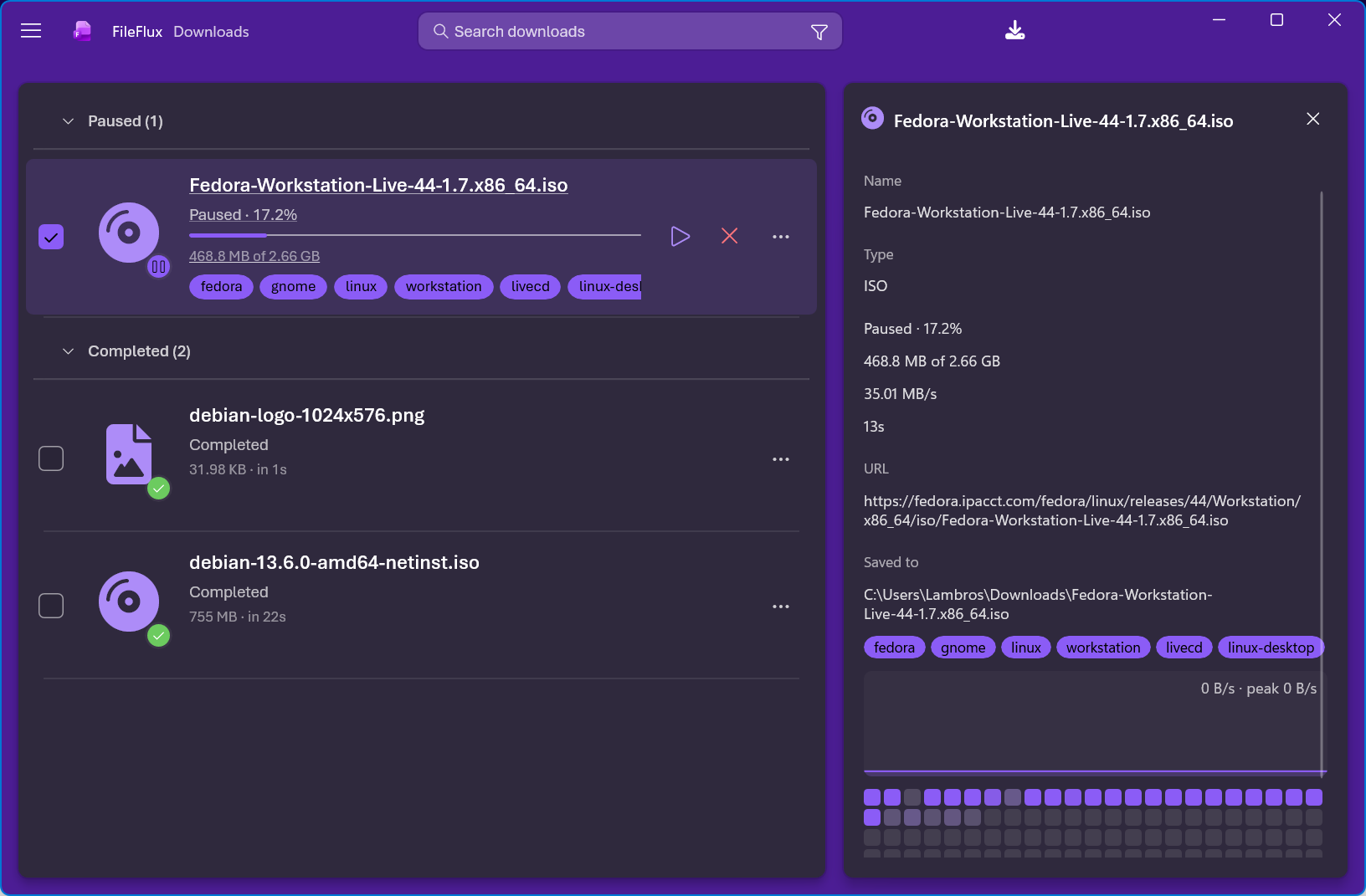
Everything about a download, in one pane
Select a download and the side pane fills in — no dialogs, nothing to go hunting for.
- Live speed, time remaining, and a piece map showing exactly what has landed.
- The source URL and the full save path, ready to copy.
- Tags, added by hand or by the AI, on the row and in the pane.
- For torrents: per-file priorities, trackers and peers, sequential mode.
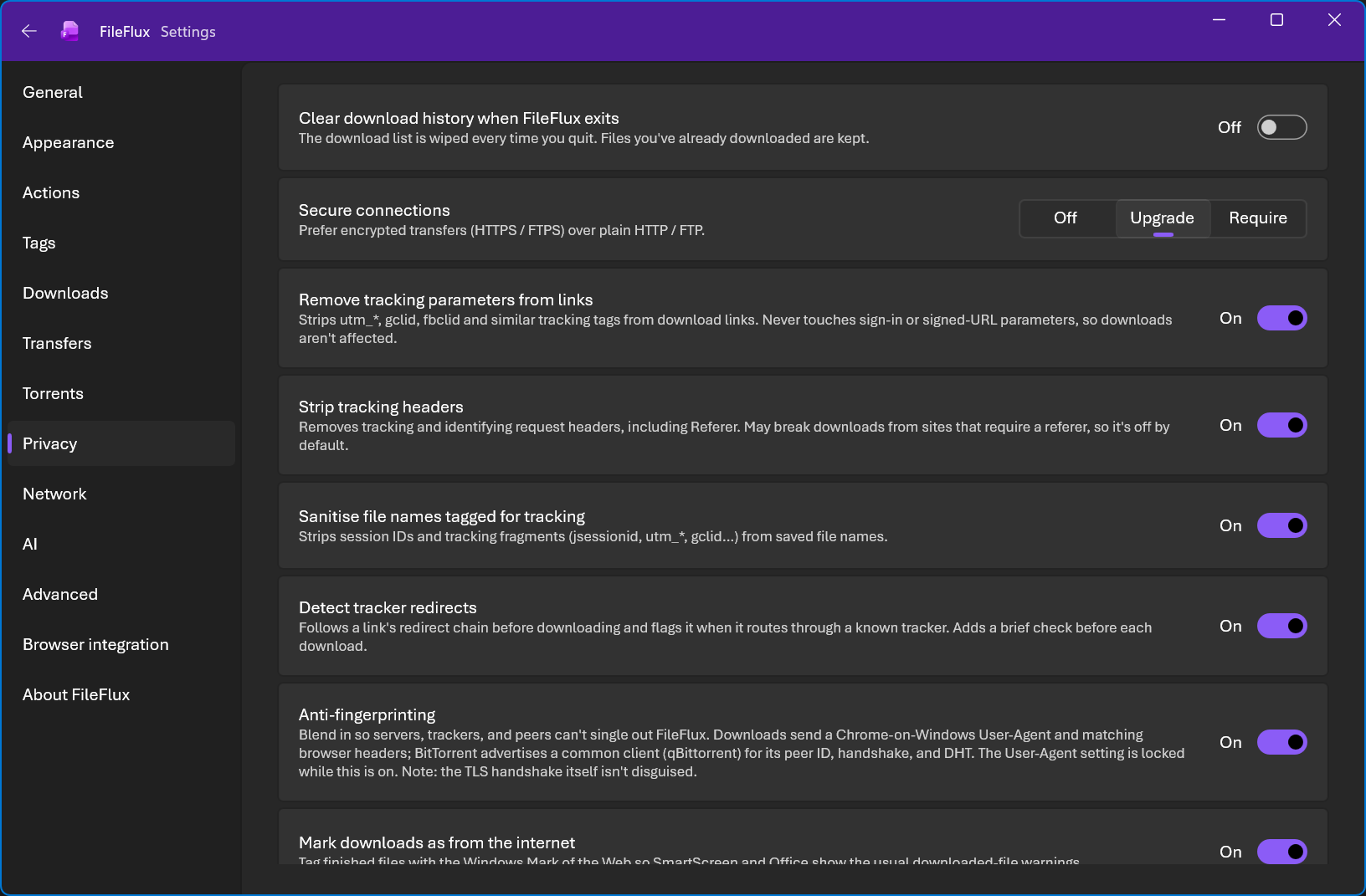
Private by construction
FileFlux has no server and never sends your data to the developer. AI features are optional, and off until you turn them on.
- No analytics, no telemetry, no crash reporting to the developer.
- Download history and resume data encrypted at rest — Windows DPAPI, or your desktop keyring on Linux.
- Incognito mode keeps a session in memory — nothing written to disk.
- Strip tracking parameters and headers; enforce HTTPS/FTPS.
- Proxy support including SOCKS5 / Tor, and encrypted DNS (DoH / DoT).
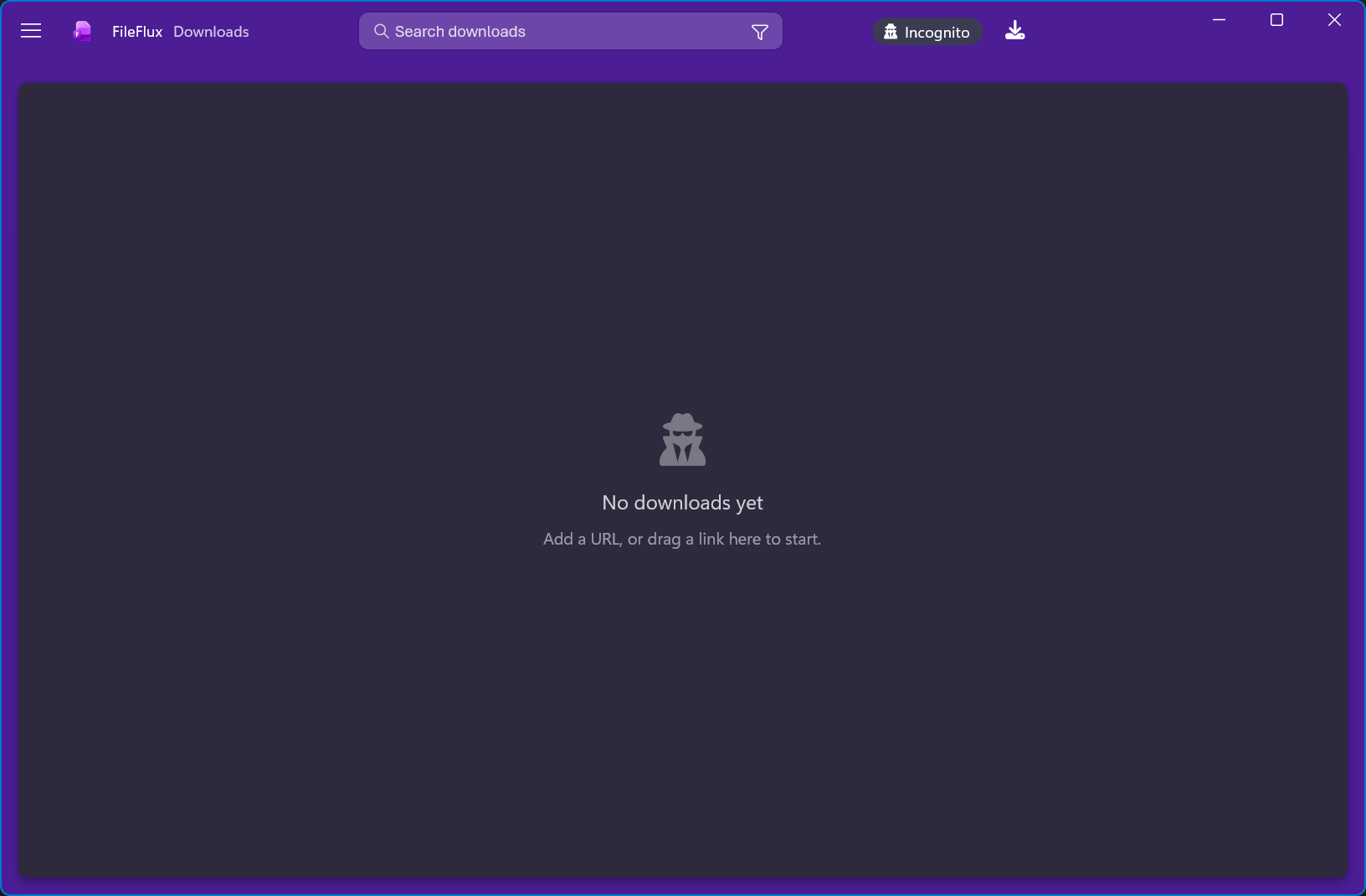
Incognito, when it matters
One click and the session lives in memory only — no history, no resume files on disk, and AI features stay off. Close it and there is nothing to clear.
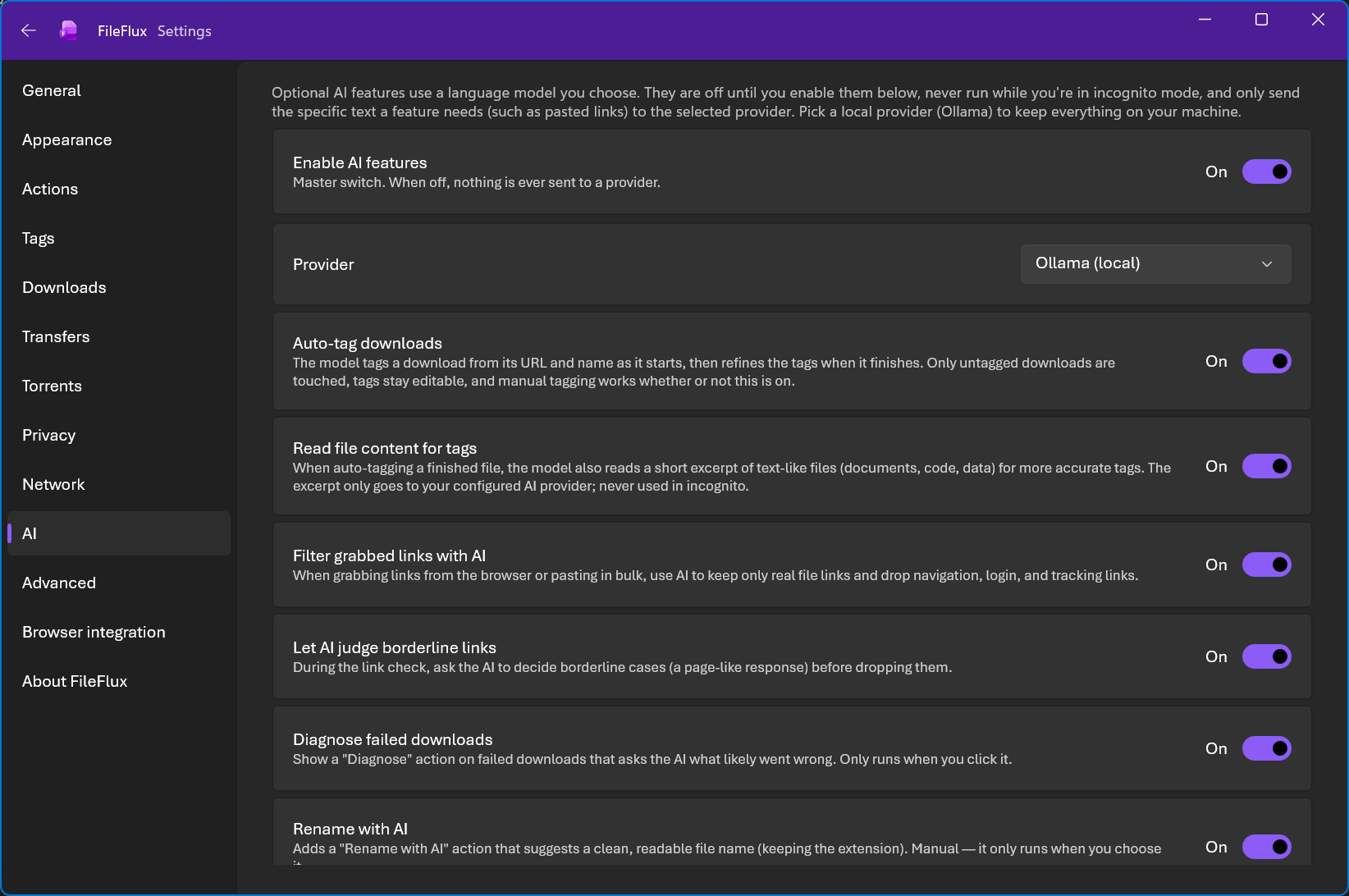
AI, only if you ask for it
Off by default, every feature switchable on its own, and your choice of provider — including one that never leaves your machine.
- Auto-tag downloads from the URL and name, refined once the file finishes.
- Filter grabbed links so only real files survive, and judge the borderline ones.
- Diagnose a failed download, or suggest a clean file name — both only when you click.
- Claude, any OpenAI-compatible endpoint, Gemini, or Ollama running locally.
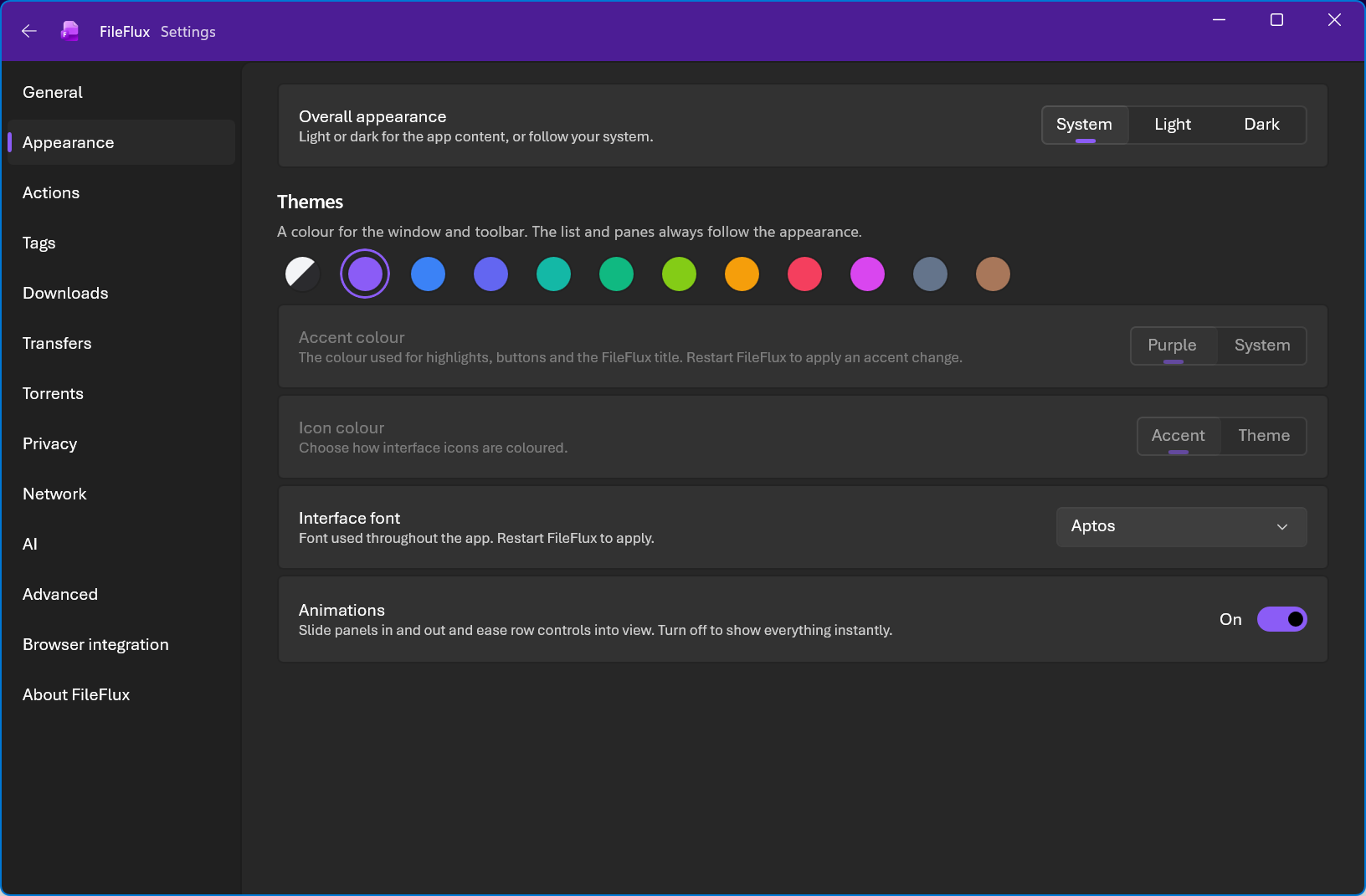
Set it up once
Sensible defaults, and a settings screen that respects your time.
- A guided first run covers appearance, privacy, browser integration and startup — skip it and nothing is written.
- Twelve window themes, light or dark independently, and the interface font you prefer.
- Route files into per-type folders, or write your own rules.
- Gaming mode pauses downloads during full-screen games.
- Finish action: sleep, hibernate or shut down when the queue drains.
- Schedule downloads, watch a folder, verify checksums, find duplicates.
- Runs in the tray, starts with your session, stays out of the way.
Portable, if you'd rather not install
The same build, unpacked instead of installed. Settings, history and resume data sit beside the executable, so it runs from a USB stick and leaves nothing behind on the machine.
Windows x64
For any recent Intel or AMD PC. Unzip and run FileFlux.exe — no installer, no .NET runtime to add.
Windows on Arm
The same build for ARM64 machines, Snapdragon laptops included.
Download portable (ARM64)The Store copy updates itself; a portable one does not, so come back when you want a newer build. Delete portable.dat from the folder if you would rather it kept settings in %LOCALAPPDATA% like an installed copy. Windows 11 (build 26100) or newer.
FileFlux on Linux
The same app, not a cut-down port — the download engine, torrents, browser integration, tags, AI features and privacy controls are all there.
Debian & Ubuntu
A .deb that installs system-wide, with desktop entry, icons and magnet-link handling registered for you.
Fedora & openSUSE
An .rpm with the same layout, built from the same tree as the Debian package.
Any distribution
A portable AppImage — self-contained, nothing to install, no .NET runtime needed on the machine.
Desktop integration uses the standard freedesktop pieces — D-Bus notifications, the launcher badge, tray icon, and the Secret Service for at-rest encryption. Browser integration covers Flatpak-packaged browsers too. Virus scanning uses ClamAV where the Windows build uses Microsoft Defender.

Ready when you are
Free on the Microsoft Store, in 17 languages — or grab a Linux package.